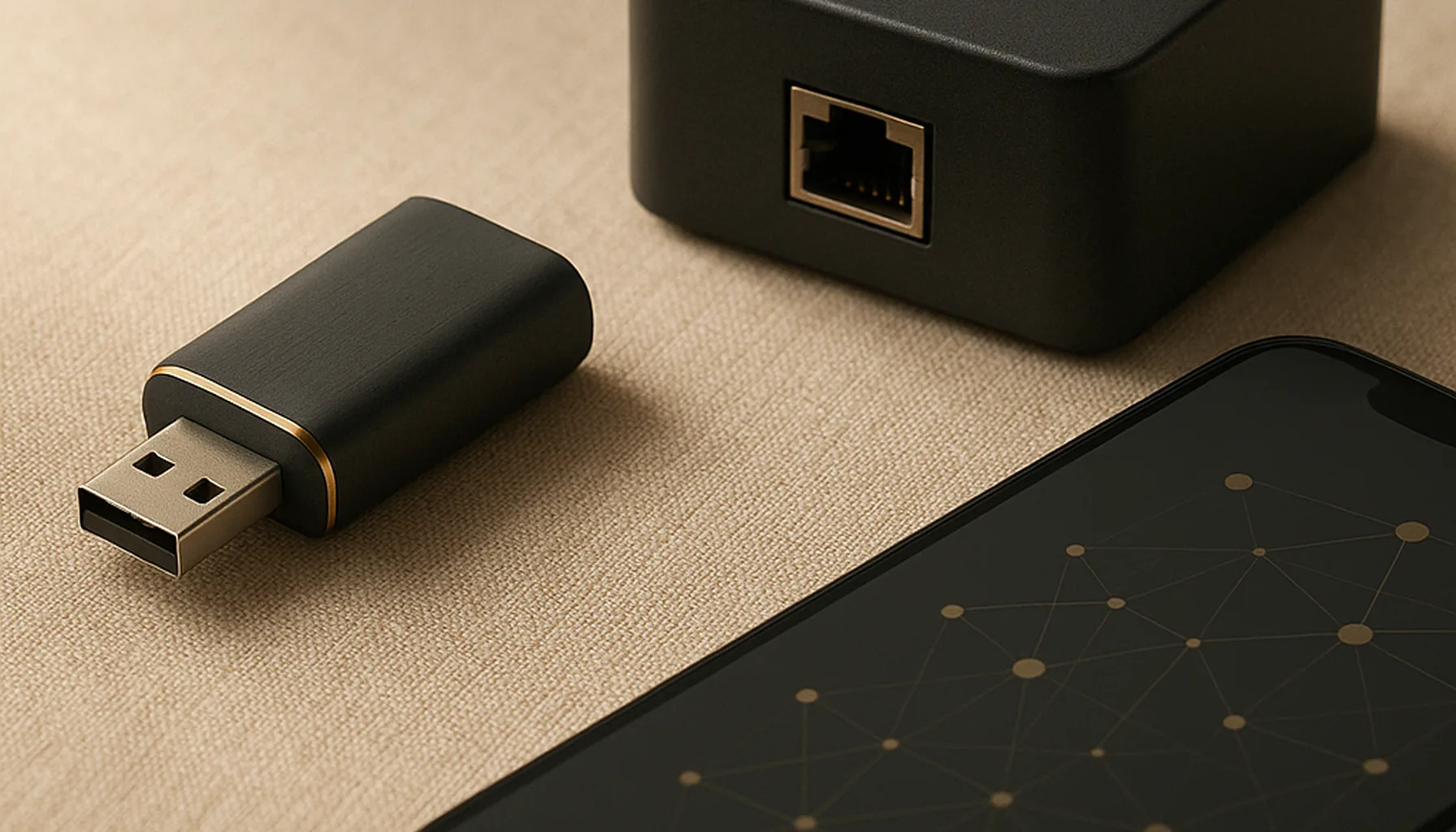
Short answer: Buy the Sonoff ZBDongle-E. It’s not the most exciting Zigbee USB dongle you can buy — it’s the one that has worked without drama for us, on a 46-device network, for long enough that we stopped thinking about it. Add a 1 m USB 2.0 extension cable and you’re done. Everything else in this guide is about not falling for the marketing.
What we run
Our network is 46 Zigbee devices on a ZBDongle-E (EFR32MG21 radio), plugged into the Home Assistant box via a 1 m USB 2.0 extension cable, running Zigbee2MQTT. In the last year the dongle survived a full coordinator migration, a house full of Aqara sensors, and more Home Assistant restarts than I can count — without losing a single pairing.
That last sentence is the entire review. A Zigbee dongle is infrastructure: when it works you never look at it, and when it doesn’t you want to throw it against a wall. The ZBDongle-E has spent its time in the “never look at it” category.
What actually makes a dongle good
Forget the RGB, the antenna claims and the “MADE FOR HOME ASSISTANT” stickers. Four things decide whether a USB Zigbee dongle will serve you well:
- Radio chip. EFR32 (Silicon Labs) and CC2652 (TI) are the two families the whole ecosystem builds on. Both are fine; the EFR32’s firmware ecosystem is the reason the ZBDongle-E is the de-facto default for Zigbee2MQTT.
- Firmware updates. A dongle is only as good as its firmware — and whether the vendor actually ships updates. SONOFF does, via a simple web flasher. This kills more “bad dongle” stories than any spec.
- USB 3.0 behavior. This is the one nobody puts on the box. USB 3.0 ports and cables radiate interference that jam 2.4 GHz. It’s why every serious guide tells you to use a USB 2.0 extension cable.
- Community adoption. The more people run a dongle, the faster quirks get found and fixed — and the more documented the failure modes. Adoption is a feature. It doesn’t show up on the spec sheet.
Spec sheet vs reality
The marketing wants you to compare antenna counts and “range” numbers. Here’s what that looks like in practice:
- “Longer range” on the box means almost nothing. Zigbee is a mesh: the dongle’s job is to talk to your nearest routers, not to punch through three walls from the server closet. A dongle with a mediocre antenna but a good seat beats a “long-range” dongle shoved behind a metal rack — every time.
- “Supports all Zigbee devices” means the software stack does, not the radio. The dongle is a dumb pipe; whether your Aqara quirk works is decided by Zigbee2MQTT or ZHA, not by which stick you picked.
- “USB 3.0 compatible” is technically true and practically unhelpful. It’ll work — it’ll just suffer next to USB 3.0 drives and a busy 2.4 GHz radio in the same box. The fix isn’t another dongle, it’s one metre of cable.
Why the ZBDongle-E wins for most people
On paper, several dongles look comparable. In practice, four things separate it:
- The firmware story. Web-flashable, actively updated, and the Zigbee2MQTT docs pretty much assume you own one. If you hit a problem, the troubleshooting answers online are written for your exact dongle.
- The EFR32 + coordinator software match. Zigbee2MQTT’s coordinator support for EFR32 is the most battle-tested combination in the ecosystem. We migrated 46 devices to it without re-pairing a single one — that only works when the radio and software agree.
- The USB 2.0 extension habit. The dongle plus a cheap extension cable is the single most documented reliability fix in Zigbee. We run exactly that, and our link quality problems were placement problems, never dongle problems.
- It’s boring. ~€20-27, no gimmicks, works out of the box with both Zigbee2MQTT and ZHA. If you’re starting out, that’s precisely what you want: infrastructure you can ignore.
The catch: where it isn’t the best
Keep your money in your pocket if any of these is you:
- You need placement far from the server. A USB dongle lives next to the machine. If your server sits in a closet and the mesh needs a coordinator in the hallway, you don’t want a longer cable — you want a network coordinator. See our USB vs Ethernet/PoE comparison.
- You’re on Proxmox or picky about USB passthrough. USB sticks in VMs work but add a moving part. A network coordinator removes it entirely.
- You only own a handful of devices and want zero maintenance. Then honestly, any mainstream dongle will do — ours is just the one we can vouch for from a real home network, not a review unit.
The honest caveats
- Every dongle lives or dies by firmware. Update yours before building the network around it. Firmware changes fixed real-world issues for many users, and skipping updates is the most common cause of “my dongle is flaky”.
- No dongle fixes a thin mesh. If devices drop because there aren’t enough mains-powered routers, no stick upgrade helps — see our range guide.
- We haven’t bench-tested every alternative. There are good dongles from other brands; we’re recommending the one with the deepest documented ecosystem and the combination we run 24/7. “Tested in a real home” beats “measured on a desk” — that’s the whole point of this site.
Bottom line
The best Zigbee USB dongle for Home Assistant is the one you stop thinking about. For us that’s the ZBDongle-E plus a 1 m USB 2.0 extension cable — cheap, boring, and backed by the largest community of any Zigbee stick. If your server placement is bad, fix the seat first and upgrade to Ethernet/PoE later; no dongle on the market makes that decision for you.
Prices and availability checked 2026-09-25. Commissions are earned from qualifying purchases — see our affiliate disclosure.