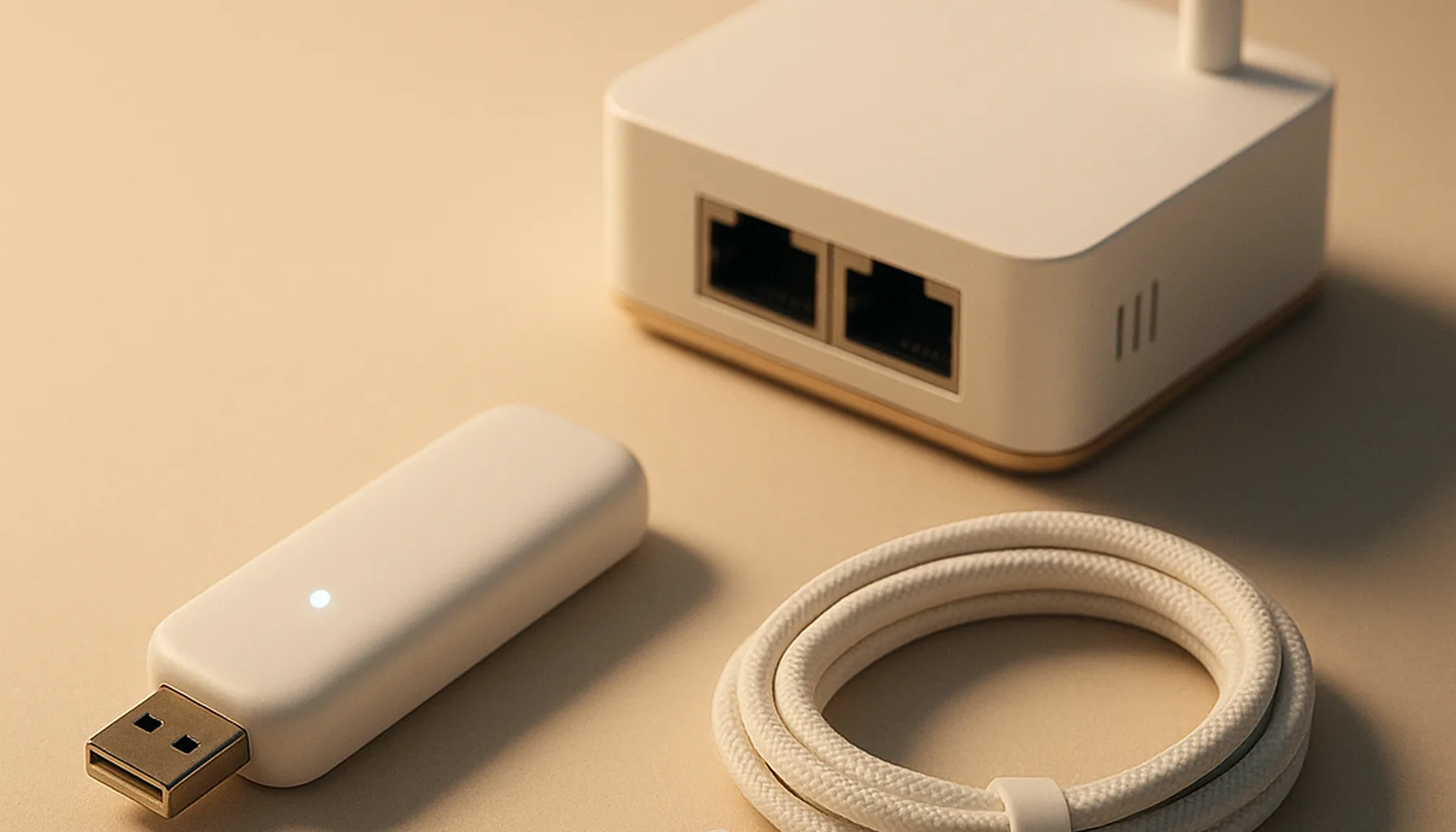
Short answer: Run your Zigbee coordinator over USB if it sits next to your server and you’re starting out — it’s cheaper and dead simple. Switch to Ethernet/PoE the moment placement becomes the problem: server in a closet, coordinator in the hallway, or a VM/Proxmox setup where USB passthrough is a pain in the neck.
I’m a hardware tinkerer, so I’ve poked at both paths. Our own network runs 46 Zigbee devices on a Sonoff ZBDongle-E over USB — so the USB side of this comparison comes from a live home network, not a spec sheet.
USB vs Ethernet/PoE at a glance
| USB stick | Ethernet/PoE box | |
|---|---|---|
| Price | ~$20–27 | ~$60–85 |
| Setup | Plug in, pick serial port | IP, Zigbee2MQTT TCP or ZHA socket |
| Placement | Stuck next to the machine | Anywhere there’s a cable run |
| Interference | USB 3.0 + WiFi in the same spot | Isolated from the server stack |
| VMs/containers | USB passthrough needed | Just an IP address |
| Reboots | Coordinator goes down with the host | Stays up (if powered separately) |
Neither path is “wrong” — they solve different problems.
What we run at home
Our 46-device network lives on a ZBDongle-E plugged into the Home Assistant box via a 1 m USB 2.0 extension cable. That extension is the cheapest reliability hack in all of Zigbee: yanking the dongle away from USB 3.0 ports and the server’s own WiFi radio fixed more of our link-quality issues than any hardware upgrade ever did.
We run Zigbee2MQTT, and the dongle has been rock solid since the migration. For a single-server, single-location setup, this is honestly hard to beat — which is exactly why it’s still our recommended default.
When USB is the smarter choice
- You run Home Assistant on a dedicated mini PC or NUC. One box, one USB port, done. No extra network wiring, no PoE switch needed.
- Your coordinator spot is already good. If the machine sits centrally and away from WiFi/Bluetooth clutter, USB costs a third of the price for the same chip-level reliability.
- You like to keep it simple. A USB stick is one less device to power, one less cable to route, one less IP to remember.
The honest caveat: a USB stick is only as good as its placement. Right next to a USB 3.0 drive or a busy 2.4 GHz source, you will see the difference in link quality.
When Ethernet/PoE wins
The SMLIGHT SLZB-06 and its siblings are the rig of choice for the setups that break USB:
- The server lives somewhere hostile — a closet, a rack, a garage. Run one Ethernet cable to the middle of the house and the coordinator sits where the mesh needs it, not where the server happens to be. This is the single most repeated win in the community threads we studied.
- You’re on Proxmox, ESXi or any hypervisor. USB passthrough is notoriously fiddly; a coordinator over the network is just an IP. Several people on the Home Assistant forum explicitly say “LAN, always LAN” once you’ve been burned by passthrough.
- PoE = one cable for power + data. The SLZB-06 powers itself over PoE, so you can drop it on a shelf or wall without a second outlet.
We’re honest here: the Ethernet side of this guide is built from specs, teardowns and community reports (Home Assistant forum thread on USB vs LAN, the famous “perfect Zigbee coordinator doesn’t exist” Reddit discussion) — not from years of running one ourselves.
The honest caveats
- A coordinator connection never fixes a thin mesh. Zigbee is a mesh protocol; if devices drop because router density is bad, neither USB nor Ethernet will save you. Fix placement and add mains-powered routers first.
- Ethernet adds two dependencies. Your Zigbee network now dies with your network switch and needs a powered PoE switch/injector. For most homes that’s irrelevant; for a “network is down” emergency, it’s worth knowing.
- Firmware matters more than the wire. There are SLZB-06 firmware versions people explicitly warn to skip. Whatever you buy, update firmware before pairing everything.
Bottom line
Start with USB — the ZBDongle-E + a 1 m USB 2.0 extension cable is the best value in Zigbee today. Upgrade to Ethernet/PoE — the SLZB-06 — when placement, hypervisor passthrough, or a remote coordinator location is what’s actually limiting your network. Both work with Zigbee2MQTT and ZHA, both are fully local, and both survived the community’s longest-running “which one is better” debates — because the answer is “it depends where your home is.”
Prices and availability checked 2026-09-21. Commissions are earned from qualifying purchases — see our affiliate disclosure.