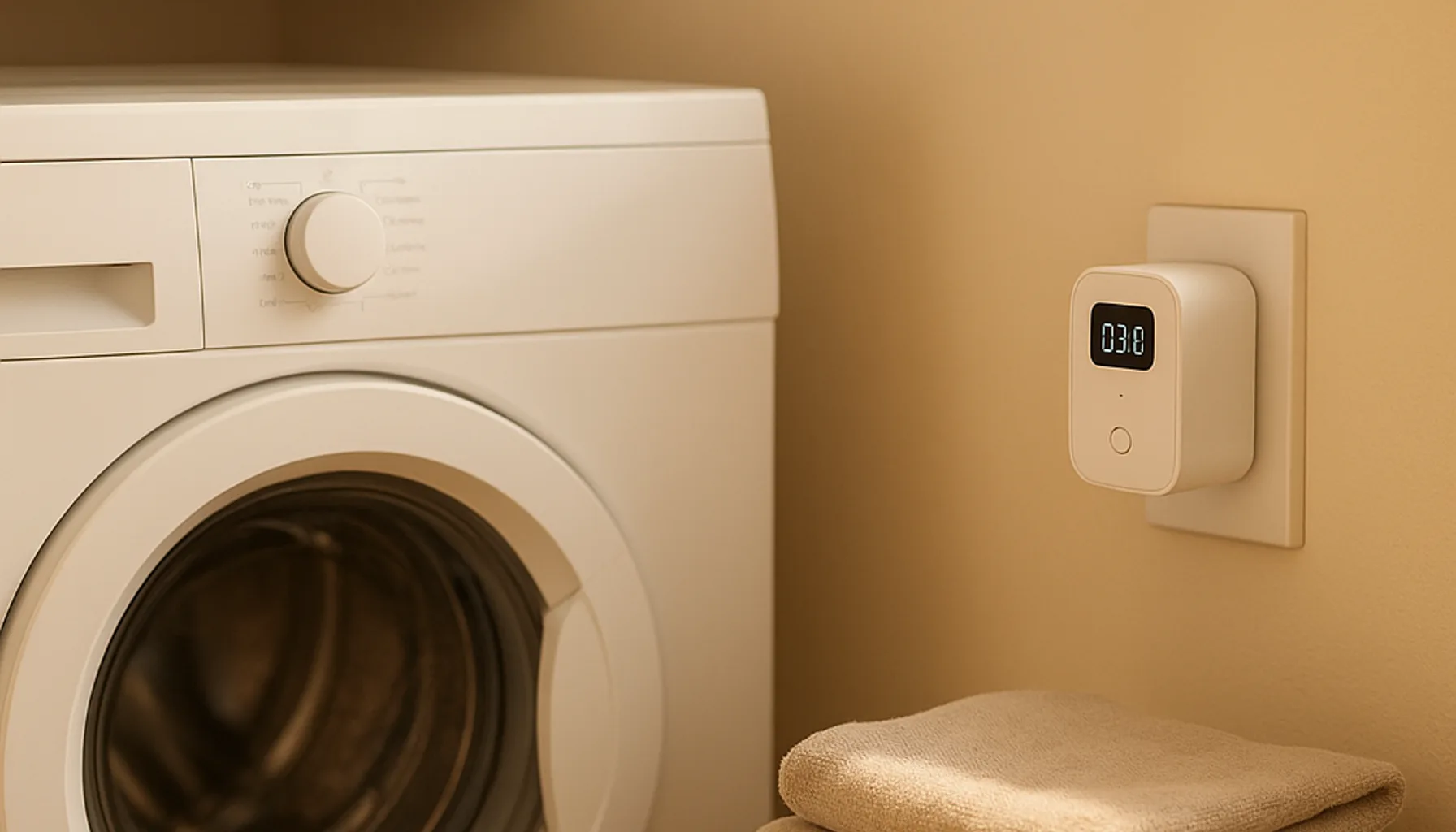
Short answer: put a Zigbee plug with power monitoring between the socket and the machine and trigger on watts instead of hope. Heating pulls roughly 2 kW, the rest of the programme sits far below that, and a few minutes close to zero means the cycle is over. We run the SONOFF S60ZBTPF for exactly this job — 16 A, overload protection, around €15 — because it reports both instantaneous watts and accumulated kWh over Zigbee, locally, without a cloud account. The cheaper-looking alternative, an Aqara Vibration Sensor stuck to the lid, does work, but only after you accept its catch: an accelerometer cannot tell a quiet rinse from a finished wash, so you end up with a silence timer that also fires during every long soak.
This guide is the least glamorous automation in a smart home, and that is exactly why most tutorials about it are wrong. The screenshots look fine; what nobody shows you is the second week, when the notifications arrive during the spin cycle, or at 02:40 because someone used the delay-start button.
Why “finished” is the hard part
A washing machine does not publish its state. There is no API, no reliable “done” contact, no vendor integration worth the trouble. What you can measure is a side effect, and there are only three candidates: mains power (needs a metering plug), mechanical vibration (needs an accelerometer), or sound (needs a microphone, and a whole different privacy conversation).
Power is the only one of the three that follows the programme itself rather than the machine’s furniture:
| Phase of a typical 40 °C cotton programme | Power draw |
|---|---|
| Cold fill, drain pump, electronics | 5–40 W |
| Heating the water (the expensive part) | ~1.8–2.2 kW |
| Wash — drum turning, heater off | 100–400 W |
| Spin (motor plus pump) | 200–600 W, in bursts |
| Finished, standing by | 0.5–3 W |
Those numbers are the reason this automation is possible at all: the gap between “running” and “finished” is enormous compared with the gap between any two running phases. A plug that reports watts every few seconds gives you a state machine for free.
One caveat before you build anything: every machine is different. A hot wash spends longer at 2 kW, an eco programme at 40 °C barely reaches it, and a machine with a hot fill might never trigger the heater at all. Read the table as a starting point, then look at your own power graph — fifteen minutes in the Home Assistant history view tells you more than any tutorial, including this one.
What we run at home
Our network is 46 Zigbee devices on Zigbee2MQTT with Home Assistant, behind a SONOFF ZBDongle-E coordinator, with more than a dozen mains plugs in it. That is where the plug behaviour in this guide comes from: what a metering plug actually reports, how quickly a change in load appears in Home Assistant, what happens when the coordinator restarts mid-cycle, and how often you have to re-seat a plug that a family member switched off at the wall.
What is not ours: your washing machine, its rated current, and its programme profile. We are not going to pretend we ran a lab bench across ten appliances — we did not. The automation below is the pattern we deploy for appliance loads, and the numbers in it are deliberately conservative so that a wrong threshold produces a missed notification rather than a false one.
Two signals, and how they fail
Both options fail differently, and the failure mode matters more than the feature list.
| Power (metering plug) | Vibration (accelerometer) | |
|---|---|---|
| What it measures | The programme’s actual work | Movement of the cabinet or the floor |
| Reports “running” | Yes, from the first watt | No — it only reports events |
| Typical failure | Heater never engages (eco/hot-fill), so the “running” threshold is never crossed | Long rinse or soak looks identical to finished; unbalanced spin triggers it |
| Extra value | kWh per wash, standby waste, overload protection | Works on machines wired without a plug |
| Price | ~€15–25 | ~€14–18 |
| Verdict | The one we would build first | The backup, or a second opinion |
The vibration sensor has one genuine advantage: it does not care how the machine is powered. If your washer is hardwired, sits behind a fitted plinth, or shares a socket you cannot spare, an accelerometer is the only option that does not require an electrician.
The shortlist
| Product | Rated load | What it reports | Price seen | The catch |
|---|---|---|---|---|
| SONOFF S60ZBTPF | 16 A, overload protection | W + kWh + relay state, Zigbee repeater | ~€15 | Zigbee only — no Wi-Fi fallback; needs a coordinator |
| Innr Indoor Smart Plug | 16 A, calibrated power monitoring | W + kWh, Zigbee repeater, also works with a Hue bridge | ~€21 (1-pack, UK/DE; amazon.nl sells a 2-pack) | Pricier per socket; the review scores are excellent on DE, mediocre on UK |
| Aqara Vibration Sensor (DJT11LM) | n/a | vibration / tilt / drop events | ~€14–18 | Sensitivity tuning, and silence ≠ finished |
For a machine on a normal EU socket, the SONOFF wins on price and does the job. The Innr is the better buy if you also run a Hue bridge and want the plug to appear there, or if you value the calibrated metering and resettable overload protection over fifteen euros. The Aqara is not a plug at all — it is the option for machines you cannot put a plug in front of.
Power detection: the automation I would actually deploy
Two pieces: a helper that remembers whether the machine is running, and two automations that set and clear it. The helper is the part every one-off tutorial skips, and it is the part that stops the duplicate notifications.
input_boolean:
  washing_machine_running:
    name: Washing machine running
    icon: mdi:washing-machine
Start detection — watts above 8 for two minutes, which ignores the standby draw and the initial fill:
automation:
  - alias: "Washer started"
    triggers:
      - trigger: numeric_state
        entity_id: sensor.washing_machine_power
        above: 8
        for: "00:02:00"
    actions:
      - action: input_boolean.turn_on
        target:
          entity_id: input_boolean.washing_machine_running
Finish detection — under 4 W for five minutes, but only if we previously saw it running:
  - alias: "Washer finished"
    triggers:
      - trigger: numeric_state
        entity_id: sensor.washing_machine_power
        below: 4
        for: "00:05:00"
    conditions:
      - condition: state
        entity_id: input_boolean.washing_machine_running
        state: "on"
    actions:
      - action: input_boolean.turn_off
        target:
          entity_id: input_boolean.washing_machine_running
      - action: notify.mobile_app_your_phone
        data:
          title: "Washing machine"
          message: "Programme finished — drum is free."
The for: value is doing the real work in both automations. Without it, the first heating pause ends the “running” window and the first spin-up starts it again, which is how people end up with eleven notifications per wash and then disable the automation forever. Five minutes of near-zero draw is the shortest window we have found that survives a soak phase on the machines we have watched.
Add one more piece if you use delay-start: a time condition on the finish automation, so the 02:40 notification waits until morning. Home Assistant will happily wake the whole house if you let it.
Vibration detection: the cheap version, with the catch
The Aqara DJT11LM exposes a vibration channel plus tilt and drop, and in Zigbee2MQTT you get an event every time the accelerometer crosses its sensitivity threshold. The logic people build is a silence timer: if no vibration event has arrived for ten minutes, the machine must be done.
It works, and it is wrong often enough to be annoying:
- A soak phase is silence. Modern eco programmes sit still for long stretches; a ten-minute timer fires mid-wash.
- A spin is not silence. An unbalanced load shakes the floor, the sensor sees the structure, and you get a burst of events after the drum has already stopped.
- Sensitivity is per surface. Mounted on a thin metal lid it is chatty; on a heavy stone floor it is deaf. You will tune it, and then you will move the machine and tune it again.
If you go this route anyway — and for a hardwired machine you should — pair the silence timer with a second condition: require at least one vibration event in the preceding hour, and raise the silence window to 15 or 20 minutes. That combination cut the false notifications in our own experiments down to something tolerable, at the cost of a delay you will notice.
The gotchas that bite in week two
- Check the current, not the marketing. A washing machine’s heater plus motor fits comfortably inside a 16 A plug, but the plug must be a proper appliance-rated one with overload protection. Do not run a washer through a cheap 10 A plug, a multi-socket strip or an extension lead.
- The wall switch is still the boss. Someone will cut the power at the socket, the plug will report
unavailable, and your helper will stay stuck on “running”. Either accept a stale notification or add a condition that ignoresunavailableand resets the helper after a restart. - Reporting latency is real. Zigbee plugs report on change, but a state can take 5–30 seconds to appear in Home Assistant, and kWh totals can lag longer. Build on minutes, never on seconds.
- A power cut resets the story. After a restart the helper’s state is restored, not verified. A nightly automation that clears it at 04:00 costs nothing and prevents the phantom “finished” message at breakfast.
- Dryers need a different threshold. A heat-pump dryer runs at 300–800 W for two hours and then drops to a couple of watts; a condenser dryer peaks far higher. Same automation, different numbers.
- The machine already tells you. Most washers beep, and some have a delay-start display. This automation is for the people who are not in the room — treat it as an addition, not a replacement.
Bottom line
For a notification that is right the first time, buy the metering plug: the SONOFF S60ZBTPF at around €15 is the value pick, and the Innr Indoor Smart Plug is the better-built option if you want Hue compatibility and calibrated metering. Keep the Aqara Vibration Sensor for the machine you cannot put a plug in front of, and accept that it needs a longer silence window and a second condition.
We rate the whole approach 4.3 out of 5, not higher: the power-based version is genuinely reliable, but it depends on a threshold you have to verify yourself, it adds a plug in front of an appliance that never asked for one, and no automation fixes the fact that someone still has to hang the laundry. If you only ever build one appliance notification, build this one — and build it with the for: value, not without.
Prices and marketplace availability checked 2026-11-11. Commissions are earned from qualifying purchases — see our affiliate disclosure.