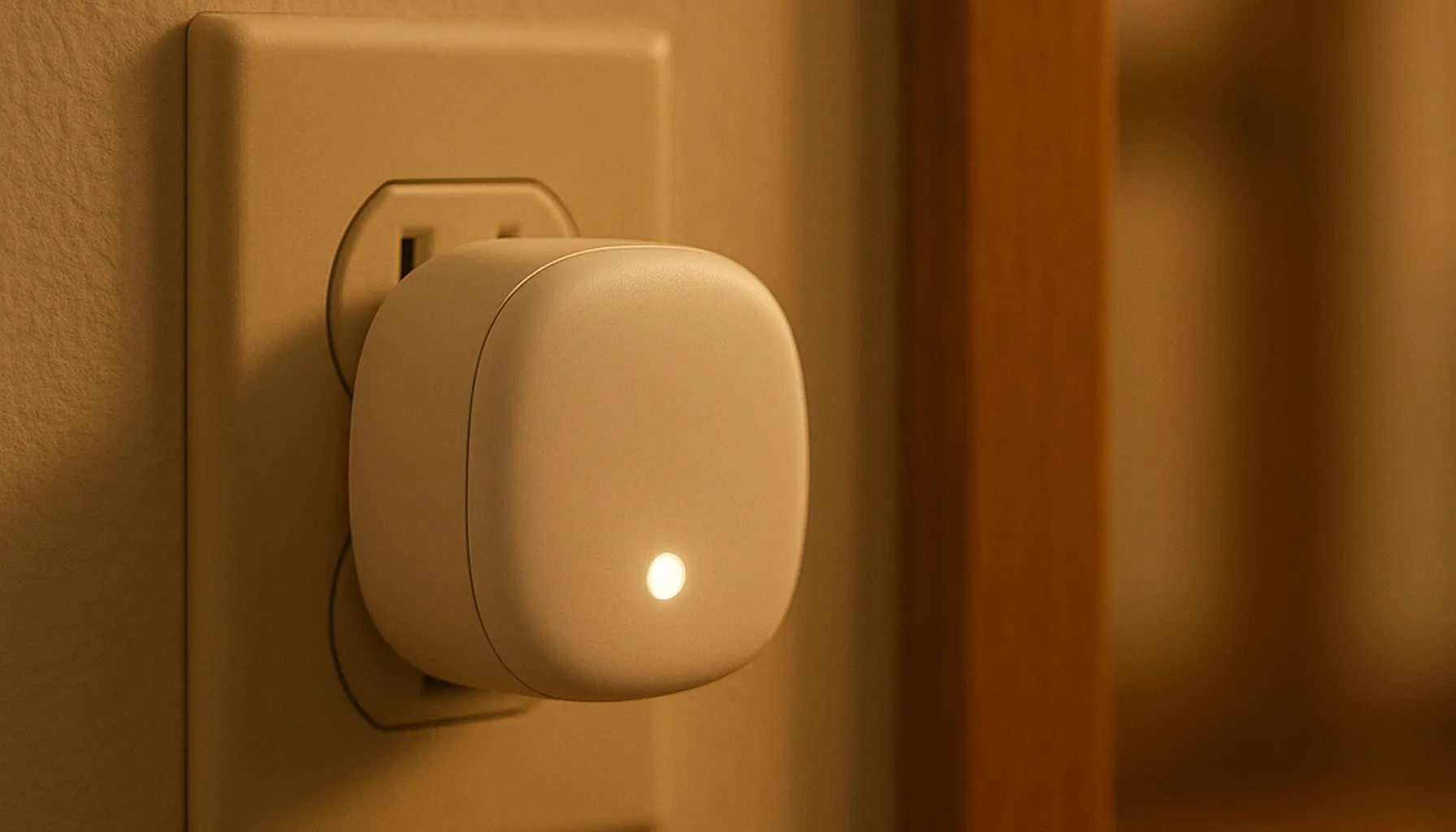
Short answer: For 2026, the best “Zigbee router” you can buy into a Home Assistant network is usually not a router at all — it’s a mains-powered smart plug. Any mains-powered Zigbee device repeats the mesh for free, and a plug keeps earning its keep while it sits in the wall. Our pick is the Sonoff S60ZBTPF: under €20, a working repeater from day one, and it does something genuinely useful besides repeating — switching and metering power. A dedicated Zigbee extender only makes sense in a handful of cases where you can’t physically put a plug or bulb there. More on that below.
What a “Zigbee router” actually is
First, kill the marketing image: a Zigbee router has nothing to do with the Wi-Fi router under your desk. In Zigbee terms, a router is any mains-powered device that participates in the mesh: it receives messages from battery-powered end devices (sensors, remotes) and forwards them toward the coordinator. It is the relay of the network.
That’s the whole trick. There is no secret “router hardware” inside a dedicated extender that a plug doesn’t already have — both carry the same Zigbee radio and both route equally well. The real differences are the price and what else the device does while it routes. Battery-powered devices can’t route at all; they only ever talk to one parent device. If a battery sensor sits in a dead zone, no firmware update will fix it — something mains-powered needs to sit closer to it.
Do you need a dedicated repeater at all?
Usually not — and anyone selling you a “repeater” as a near-necessity is overselling the category. If you have a dead zone, the cheapest fix is a plug or bulb you were going to buy anyway. Mains-powered plugs, smart bulbs and powered hubs all route by default; you don’t configure anything, you don’t pair anything extra.
A dedicated Zigbee extender (a purpose-built repeater wedge, or a USB “signal booster” stick) does the same radio job — but on paper it does one job, for roughly the same money as a plug that keeps switching and metering while it routes. That’s a poor trade for most homes.
When a dedicated extender does make sense, it’s a short list:
- Space constraints — you need routing exactly where only a compact wedge fits (behind furniture, in a corner where a plug would physically block nothing but looks wrong).
- No smart device wanted — a location where you refuse plugs or bulbs on principle or for aesthetics.
- Outdoor/garage edges — a spot a plug casing isn’t rated for, though we’d honestly pair an indoor plug near the wall rather than trust off-brand outdoor repeaters (YMMV, and firmware quality there is a lottery).
Most buyers never hit any of those. Dead zones are a placement problem first, a hardware problem second.
Repeater, extender or signal booster — the name is the giveaway
“Repeater”, “extender”, “range extender” and “signal booster” describe the same thing in a Zigbee network: a mains-powered device that forwards traffic. There is no separate booster radio to buy. What separates a good one from a bad one is not the name on the box but four things:
- It joins your network, not its own. A repeater is only useful if it pairs to your coordinator (ZHA or Zigbee2MQTT) and shows up as a router. Repeaters that only repeat their own vendor hub’s sensors add nothing here.
- It hears the mesh. A repeater planted in the far corner of a dead zone has nothing to relay to. It has to sit somewhere it can still reach a router or the coordinator.
- It is permanently powered. Battery devices never route.
- The firmware is current and updateable. Old Zigbee 1.2 radios and dead-end firmware are the classic reason a cheap repeater makes a mesh worse instead of better.
Ignore the range figure on the box. “150 m” is an open-air number measured between two devices with nothing in between; through two brick walls you keep a fraction of it. Your floor plan decides, not the datasheet.
Outdoor Zigbee repeaters: what works and what to skip
Outdoor is where the category gets thin, and where most of the disappointing purchases happen. Zigbee in Home Assistant is almost always 2.4 GHz — the same band as your Wi-Fi — and the garden adds walls, distance and rain. Weather-rated Zigbee hardware is a small market with a lot of no-name stock, so work down this list instead of buying the first “outdoor repeater” you find:
- Move the relay to the inner wall. A plug on the inside of the wall facing the garden usually does more than an outdoor repeater at the end of the path, because it stays within reach of the rest of the mesh.
- Use a dry outbuilding as the bridge. A plug in a shed or garage that is itself close to the house extends coverage outward — provided the shed is dry and the plug still hears the house.
- An IP-rated Zigbee plug in an outdoor socket. This works when the socket is under cover and close enough to the house mesh; check the IP rating and use an enclosure if the socket is exposed.
- A dedicated outdoor repeater only as a last step — and only if it is a real Zigbee router that pairs to your coordinator, from a brand that ships firmware updates. Many “outdoor repeaters” are proprietary bridges for one vendor’s sensors and will never appear in your mesh.
What to skip: antenna boxes and “signal boosters” that contain no Zigbee radio at all, and any repeater that has to be paired with its own hub.
Our own setup, honestly: our 46-device mesh has no outdoor Zigbee device. We cover the garden side with an indoor plug on the inner wall and accept that the far end of the garden is out of scope. So this section comes from datasheets and community reports, not from a tested outdoor installation — treat it as the checklist we would work through ourselves.
The best Zigbee routers in 2026
With the caveat that “best” here really means “most honest way to route”:
- SONOFF S60ZBTPF — our pick and the one we run. Zigbee 3.0 plug with energy monitoring (check price); it routes as soon as it’s paired, no extra setup. Costs about the same as a dedicated extender while also switching and measuring power. The energy-monitoring angle is genuine extra value, not marketing fluff — we use it in our own energy tracking.
- Any mains-powered Zigbee bulb you already own — a bulb in a hallway light often fixes the next room too. Zero cost if you already run Zigbee lights; it’s the same radio, same routing.
- IKEA range extender style wedges — popular, cheap, genuinely fine hardware. We haven’t run one 24/7 in our own home, so we’ll be honest: research and community reports, not our network. If the form factor suits you, they work — they’re just not a better deal than a plug.
- USB “signal booster” sticks — the ones to be careful with. Many are old Zigbee 1.2/3.0 radio mismatch, with firmware that was never updated and isn’t updateable. We wouldn’t put one on a modern Zigbee 3.0 network without verifying the radio chipset and firmware first.
What we run and why
Our network is 46 Zigbee devices on a Sonoff ZBDongle-E coordinator, running Zigbee2MQTT on Home Assistant. A dozen mains-powered plugs act as routers across the house; we run zero dedicated extenders. When a dead zone appears, we plant a smart plug between the weak device and the coordinator, using the placement playbook we documented in our range-extending guide — pairing next to the coordinator first, then moving the plug to the weak area.
The result after that routine: no repeater hardware, no antenna kits, no extra pairing — just plugs that were already doing a job. Placement beat hardware every single time.
The honest caveats
- Dedicated extenders aren’t evil — they’re just rarely the best deal. If you already own one, use it; the placement playbook is identical.
- Firmware is a lottery. Update any plug’s or repeater’s firmware before putting it on the network. A router with old firmware can end up flakier than no router.
- Moving a router has a cost. Every power-cycle makes its child devices re-negotiate parents. Do mesh changes in the evening and give the network an hour to settle.
- No repeater fixes a badly placed coordinator. If everything is weak everywhere, revisit the coordinator first — our coordinator guide covers that, including how we migrated 46 devices without re-pairing.
- We can’t test every router brand 24/7, and we won’t pretend otherwise. Everything above is grounded in our own mesh (46 devices, documented) plus community research.
Bottom line
Buy the Sonoff S60ZBTPF — or reuse any mains Zigbee device you already own — plant it between the dead zone and the coordinator, update the firmware first, and only reach for a dedicated extender when a plug or bulb physically can’t sit where routing is needed. That’s the whole “Zigbee router” category in 2026: a relay problem, not a hardware problem.
Prices and availability checked 2026-10-05. Commissions are earned from qualifying purchases — see our affiliate disclosure.